Kiti Live: What This App Is and How to Top Up Coins
A clear guide to what the Kiti Live app is and how to quickly and safely top up Kiti coins from Russia using your Kiti ID — by card, SBP, or cryptocurrency.

Kiti Live is a young streaming social network where creators go live, chat with viewers, and receive virtual gifts. If you already follow your favorite hosts and want to support them or unlock activities inside the app, you'll need Kiti coins. In this article we'll get straight to the point: what this platform is, why coins matter, and how to top up your balance from Russia through OLMOZ — fast, without logging into anyone's account, and with automatic delivery.
What Kiti Live Is
Kiti Live is an app for live streaming and real-time interaction. Hosts start broadcasts, and viewers join rooms, chat, take part in interactive features, and send gifts to creators. In format it's close to other streaming social networks: the content is made by the users themselves, and the internal economy is built around a virtual currency.
Kiti's audience is growing, and with it grows the demand for a convenient way to top up a balance — especially for users in Russia, who can't always pay directly inside the app.
Why You Need Kiti Coins
Coins are the in-app currency of Kiti Live. You use them for everything tied to supporting creators and taking part in activities on the platform:
- virtual gifts for hosts during broadcasts;
- participation in interactive features and in-app mechanics;
- support for your favorite streamers, which helps them climb the rankings.
Put simply, coins are a way to show a creator you care and become an active member of the community instead of just a silent viewer.
Tip: topping up your balance in advance saves you the hassle mid-stream — you won't have to break away to pay at the most exciting moment.
How to Top Up Kiti Coins Through OLMOZ, Step by Step
Kiti top-ups are already available on OLMOZ. The process is as simple as it gets and takes a couple of minutes:
- Open the Kiti page on OLMOZ.
- Enter your Kiti ID — the identifier of your account in the app.
- Choose the coin package that suits you from the list.
- Select a convenient payment method — card, SBP, or cryptocurrency.
- Pay for your order.
- Wait for the automatic delivery of coins to your balance — this usually happens right after your payment is confirmed.
No complicated sign-ups and no back-and-forth with sellers: you're in control of the order from start to finish.
Where to Find Your Kiti ID
To top up, all you need is your public Kiti ID — the account identifier visible in your profile inside the app. You can find it in the profile section of Kiti Live (usually next to your name or in your account settings).
An important safety note: you don't need to share your login or password. The Kiti ID is a public number, not access to your account. The top-up is done by identifier, so you never put your login credentials at risk.
Before paying, double-check your Kiti ID: coins are credited to exactly the account whose number you enter.
Payment Methods
OLMOZ supports several options that are convenient for Russia, so everyone can find one that fits:
| Payment method | Who it suits |
|---|---|
| Russian bank card | The familiar option for most users |
| SBP (Faster Payments System) | A quick transfer via QR code or from your banking app |
| Cryptocurrency | Anyone who prefers paying in crypto |
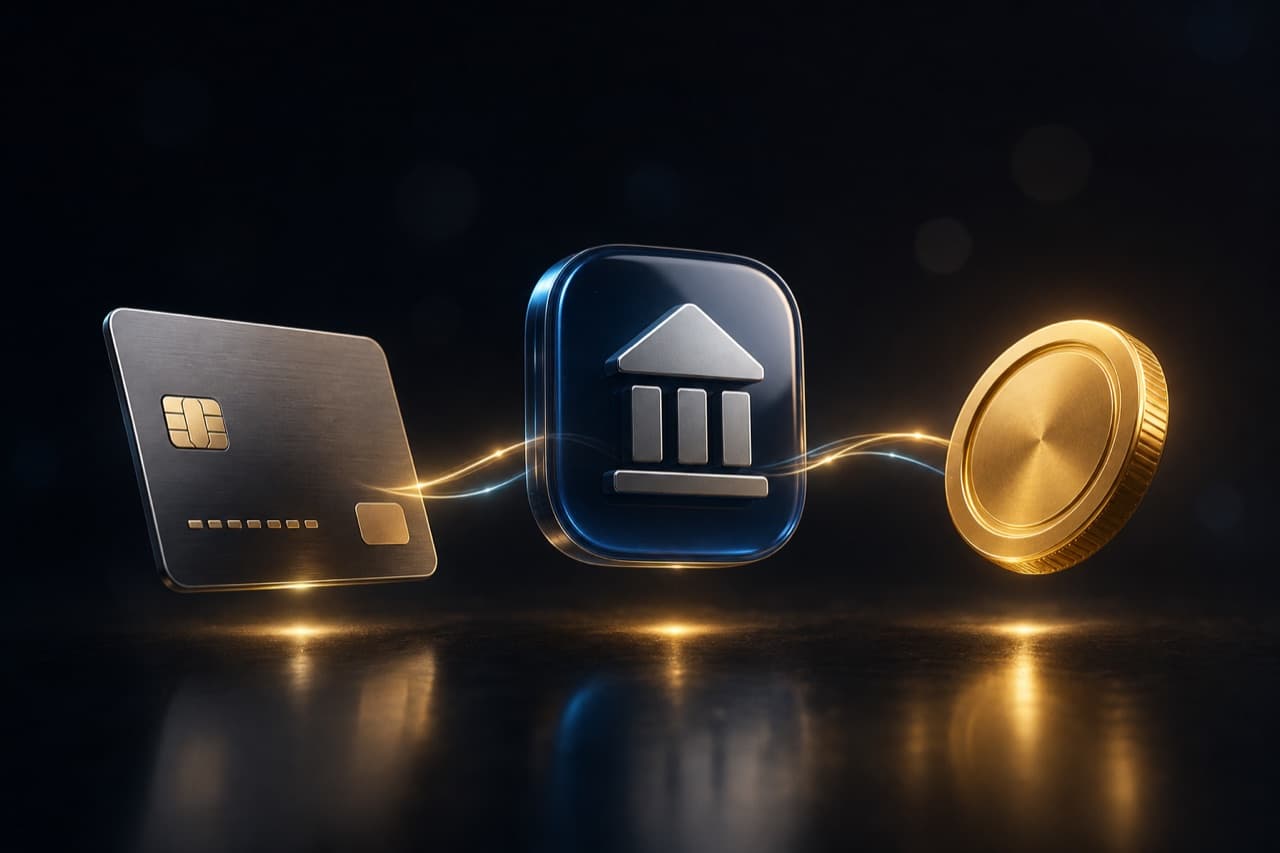
You choose the payment method at checkout — all available options are shown on the page.
How Much Coins Cost
Package amounts and prices can change, so we won't name specific figures in this article. Check the current amounts and prices on the service page — it always shows the up-to-date list of packages and their cost. That way you're never relying on outdated information.
Why It's Convenient and Safe
- Kiti ID only — no need to share a password or log into your account.
- Automatic delivery — coins arrive with no manual processing or waiting.
- Flexible payment — card, SBP, or cryptocurrency, your choice.
- Transparency — you see the packages and prices before you pay.
OLMOZ is an independent digital-commerce platform. We are not an official or authorized seller of Kiti Live: all trademarks and brands belong to their respective owners. Our job is to make topping up simple and clear for users in Russia.
Quick FAQ
- Do I need an OLMOZ account? Placing an order takes minimal effort — just enter your Kiti ID and pay.
- What if I use a different platform? We have other services too — take a look at the catalog to find the one you need. For example, we have a detailed guide on how to top up Bigo Live from Russia.
- What if I make a mistake in my Kiti ID? Always verify the identifier before paying — it's the key detail that determines which account the coins go to.
Bottom Line
Topping up Kiti coins from Russia has become easy: all you need is your public Kiti ID, a convenient payment method, and a couple of minutes. Coins are credited automatically, and your login details stay with you. Ready to support your favorite creators and become an active part of the streams? Head to the Kiti service page on OLMOZ, pick a coin package, and top up your balance in just a few clicks.
FAQ
All names, logos and trademarks mentioned (Bigo Live, Kiti, PUBG Mobile, Free Fire, Mobile Legends, Steam, PlayStation, etc.) belong to their respective owners. OLMOZ is an independent digital commerce platform and is not an official representative of these brands.
